Your files stay close.
PDF, image, media, file and text processing runs on the Mac. Ordinary task search works offline, with no model or account required.
Personal instruments · macOS

A small workbench for all those things
you just need to get done.
A project by Burrito’s Labs · Brewing 1.0.0 is available
The starting question
Combine a few PDFs. Make a folder of images smaller. Take the audio from a recording. These should be everyday actions, not research projects.
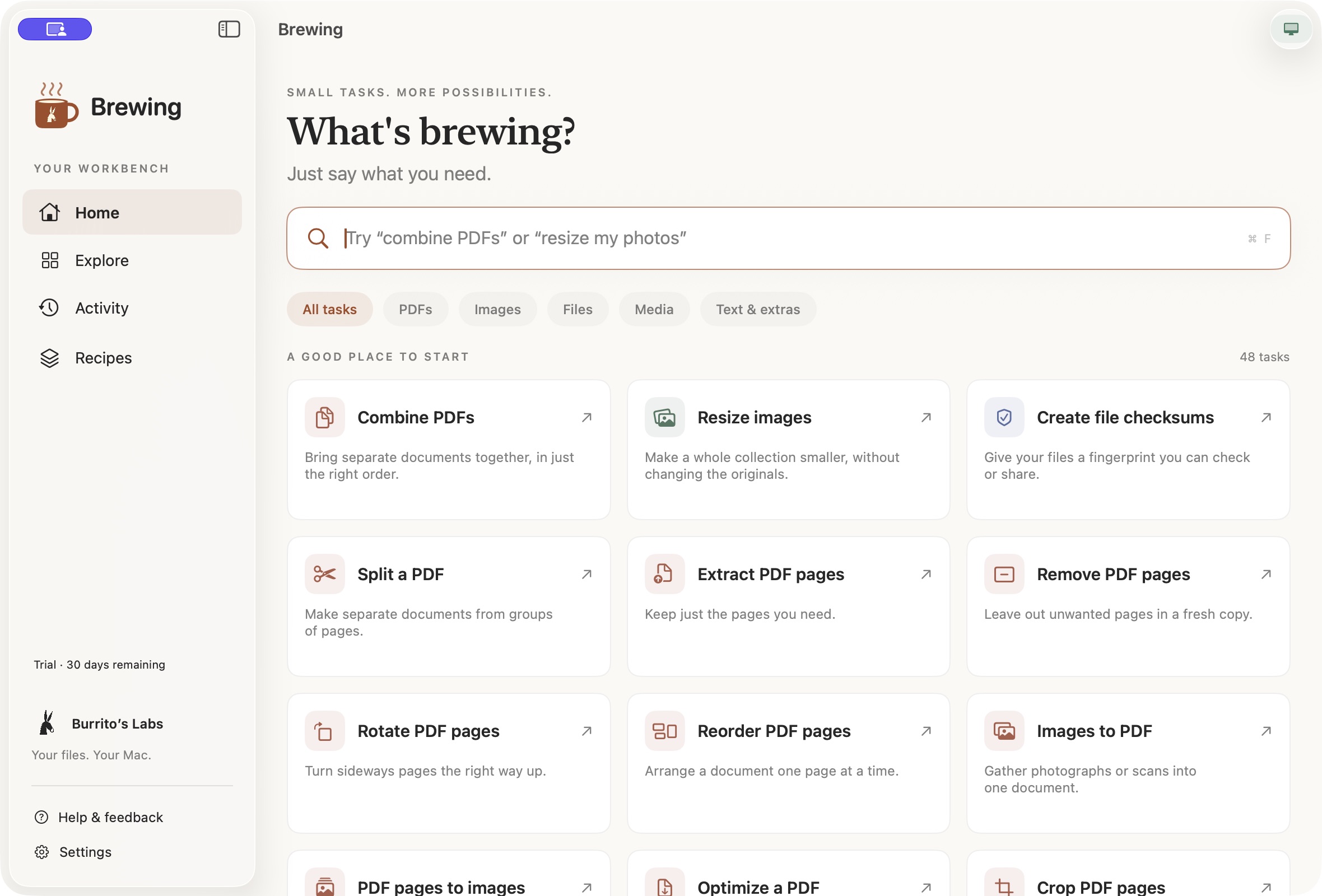
Brewing brings those jobs into one native Mac application. You describe what you want, choose a supported task, review its settings and save new results. The ambition is simple: make useful capabilities approachable without making people learn the machinery behind them.
The design decisions
PDF, image, media, file and text processing runs on the Mac. Ordinary task search works offline, with no model or account required.
Every task has a visible form, a destination and a chance to review. New results are created separately by default.
Find a task, choose files, review, run and open the result. Activity keeps the work understandable; recipes make good routines repeatable.
Inside the project
48 implemented tasks across PDFs, images, audio and video, files, and text. The interface is available in English and Spanish.
Brewing uses native macOS frameworks for processing and a registered catalogue of validated workflows. Optional Apple on-device suggestions help with discovery on eligible Macs; they do not execute arbitrary commands. Brewing is distributed directly as a signed, Apple-notarized Mac download, with a guided installer and signed in-app updates.
Brewing lab notes
This is where we’ll share development stories, design decisions and things we learn while making Brewing. The first notes are still being prepared.