
Request in ordinary language
Type a reminder, calendar, message, or email request without navigating a detailed form.

A native iPhone assistant that turns natural-language requests into bounded reminders, calendar actions, and communication drafts.
Natural language without invisible authority.
Every request passes through normalization, validation, clarification, confirmation, permission, and execution rules. Drafts remain unsent, and optional model-assisted interpretation never decides what the app is allowed to do.
User value
Spend less time filling forms without hiding what the assistant understood or will do next.
Type a reminder, calendar, message, or email request without navigating a detailed form.
Missing details, ambiguous contacts, permissions, and calendar confirmation remain visible.
Message and email outputs stay as drafts that can be reviewed, rewritten, and copied.
Features
Clarify supports a small set of actions it can validate and explain.
Ask for missing dates, request access in context, and return a structured result summary.
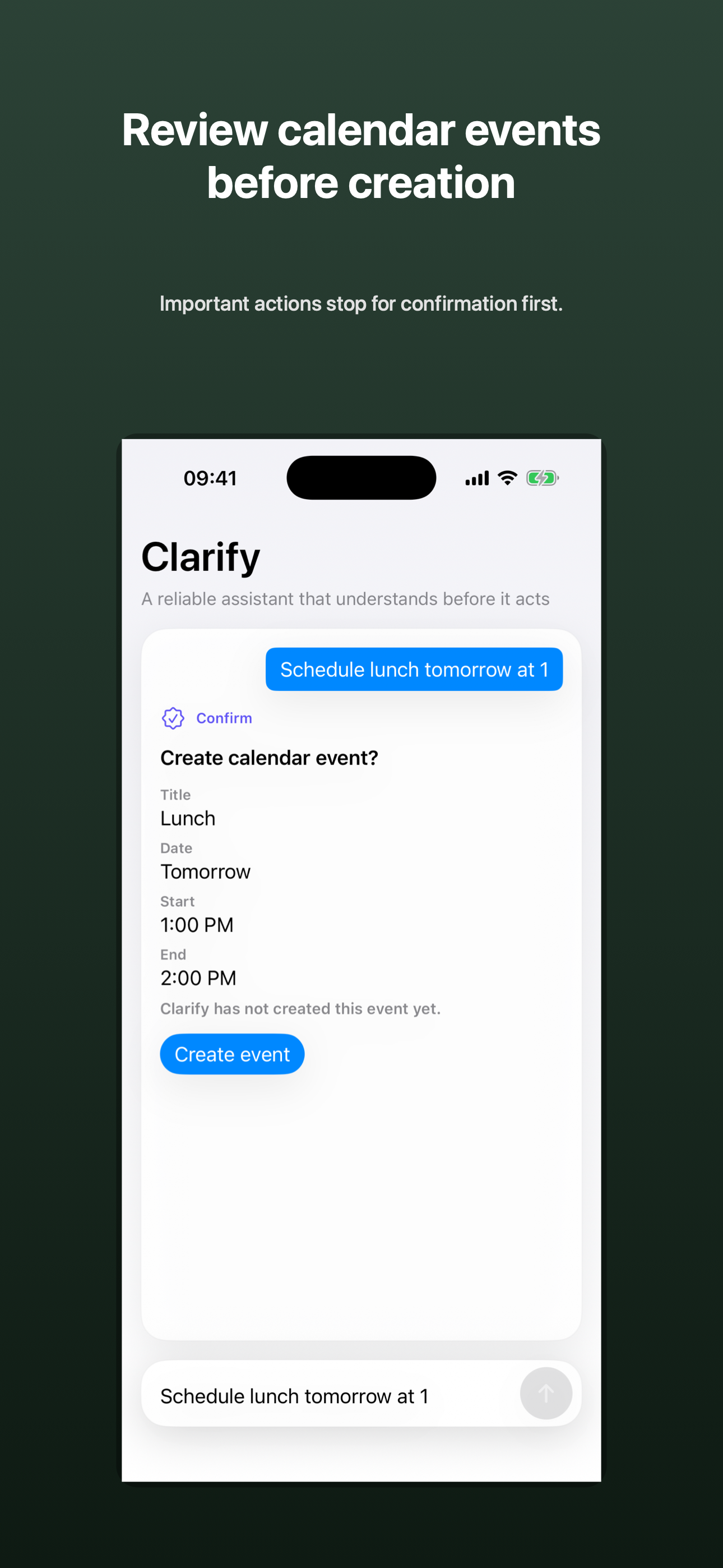
Show the interpreted title and timing, then require confirmation before creation.
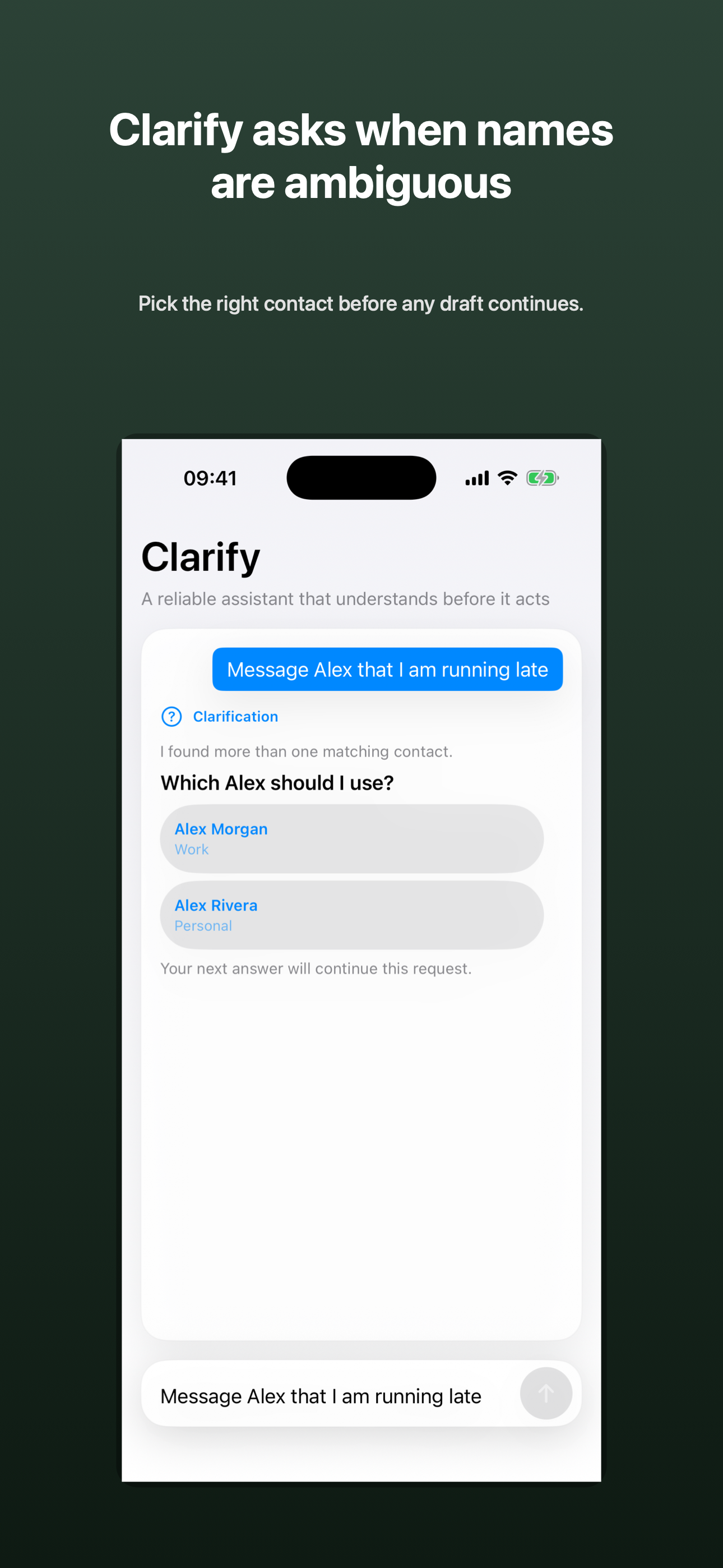
Present stable choices when more than one contact matches a name.
Create message and email previews without an automatic sending integration.
Make a draft shorter, more polite, or more direct while preserving its preview-only state.
Hand a request into the app and process it through the same visible policy path.
How it works
Flexible language and deterministic policy remain separate.
Type in Clarify or hand text in from Apple Shortcuts.
Use a deterministic fast path or optional on-device model assistance when available.
Turn the result into a supported intent with explicit parameters and requirements.
Resolve missing details, ambiguous names, permissions, or unsupported scope.
Review a consequential action before the matching platform service is called.
Create a reminder or event, or return an unsent communication draft.
Product demos
Interface
These simulator captures use deterministic fixtures inside the real app interface. They demonstrate presentation states, not live platform actions.
 View full size
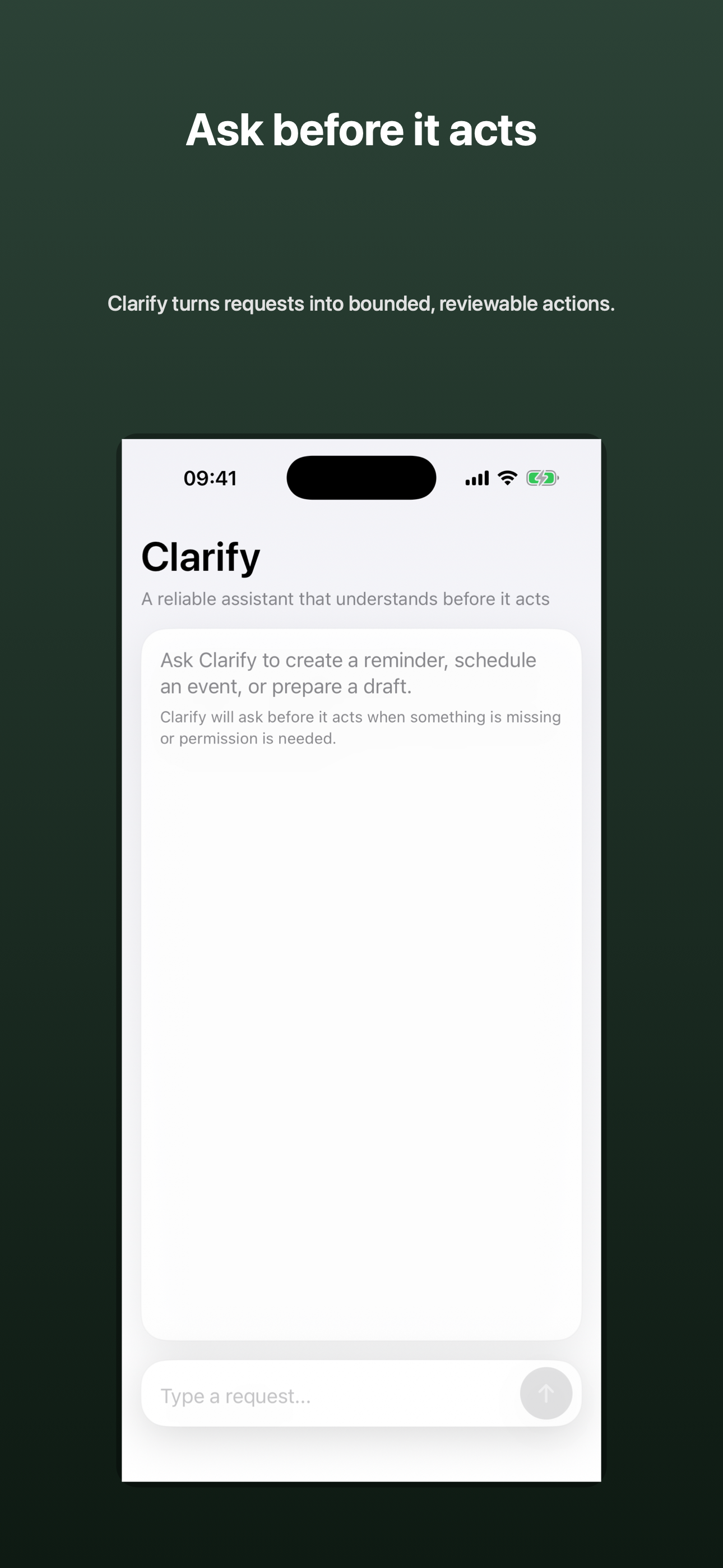
Begin from a quiet conversation surface with a clear request field.
 View full size
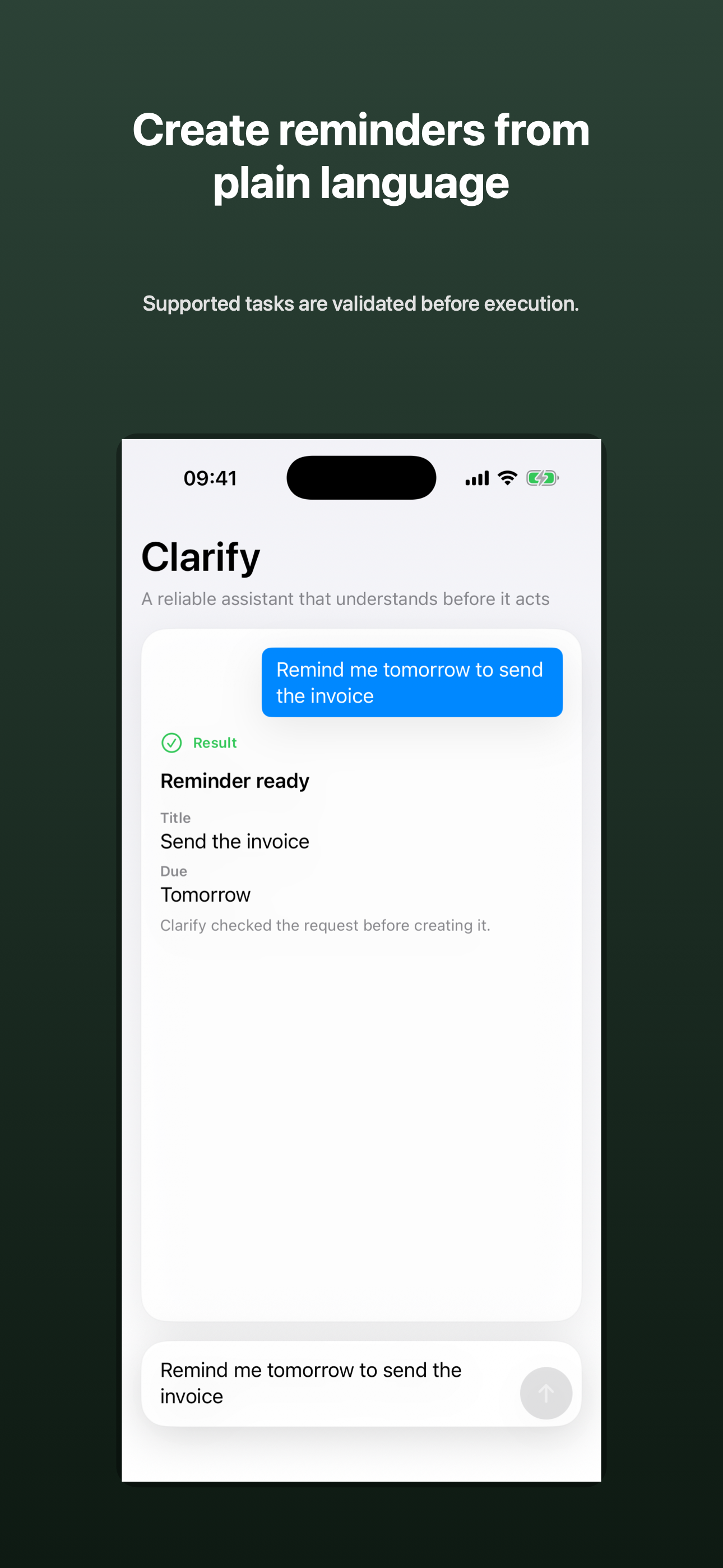
Return a concise result summary with the reminder title and due date.
 View full size
Expose the interpreted event details before creation.
 View full size
Ask the user to choose when several contacts match.
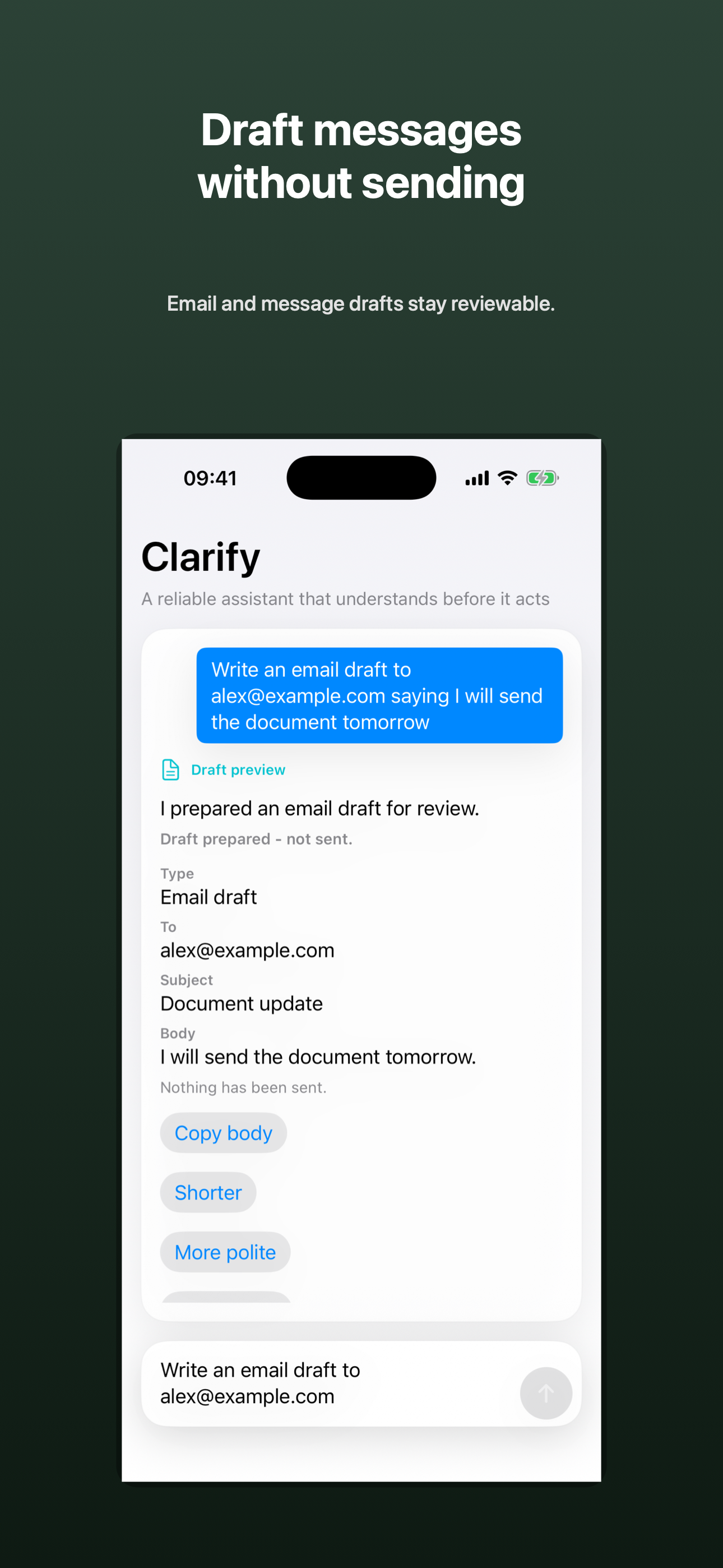 View full size
Keep the email preview and the not-sent boundary together.
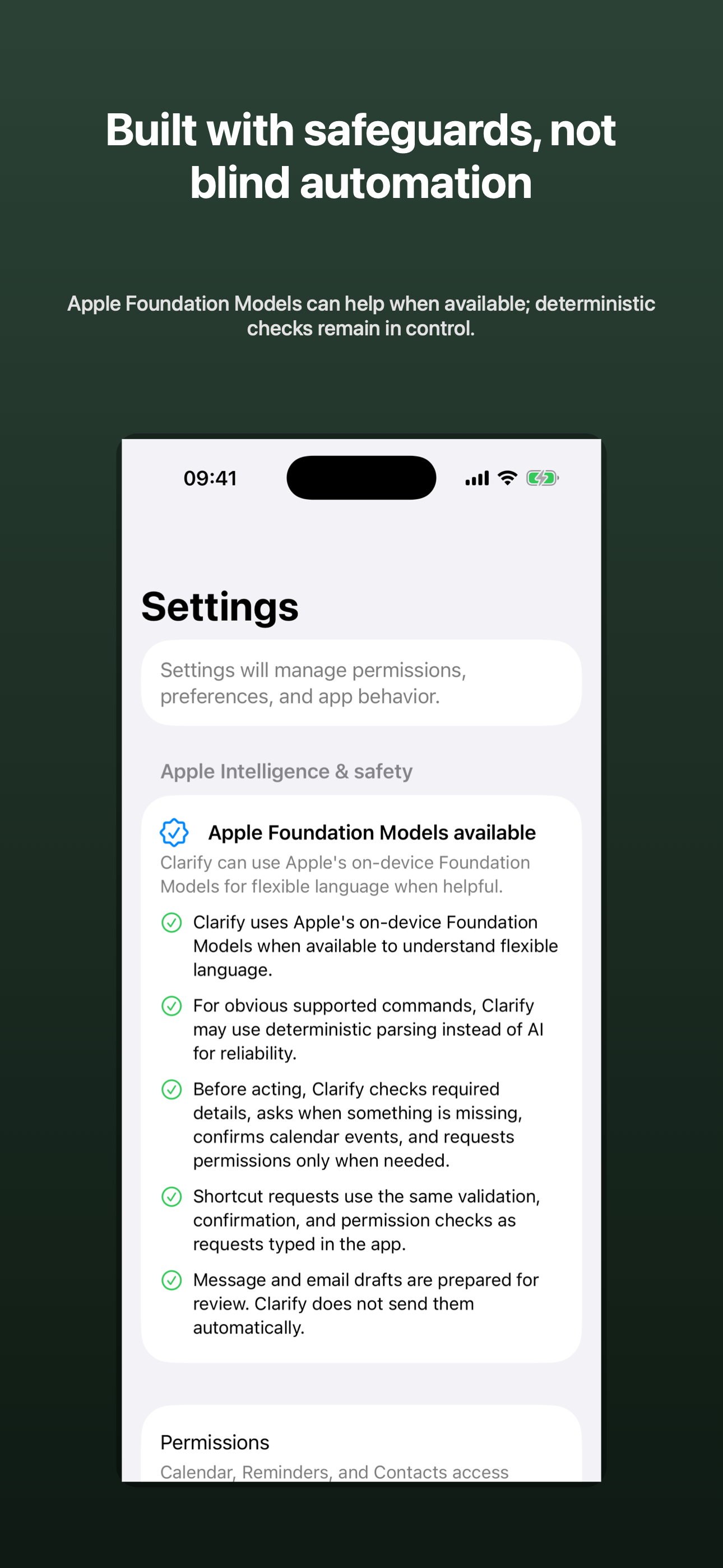 View full size
Show model availability and the deterministic checks that remain in control.
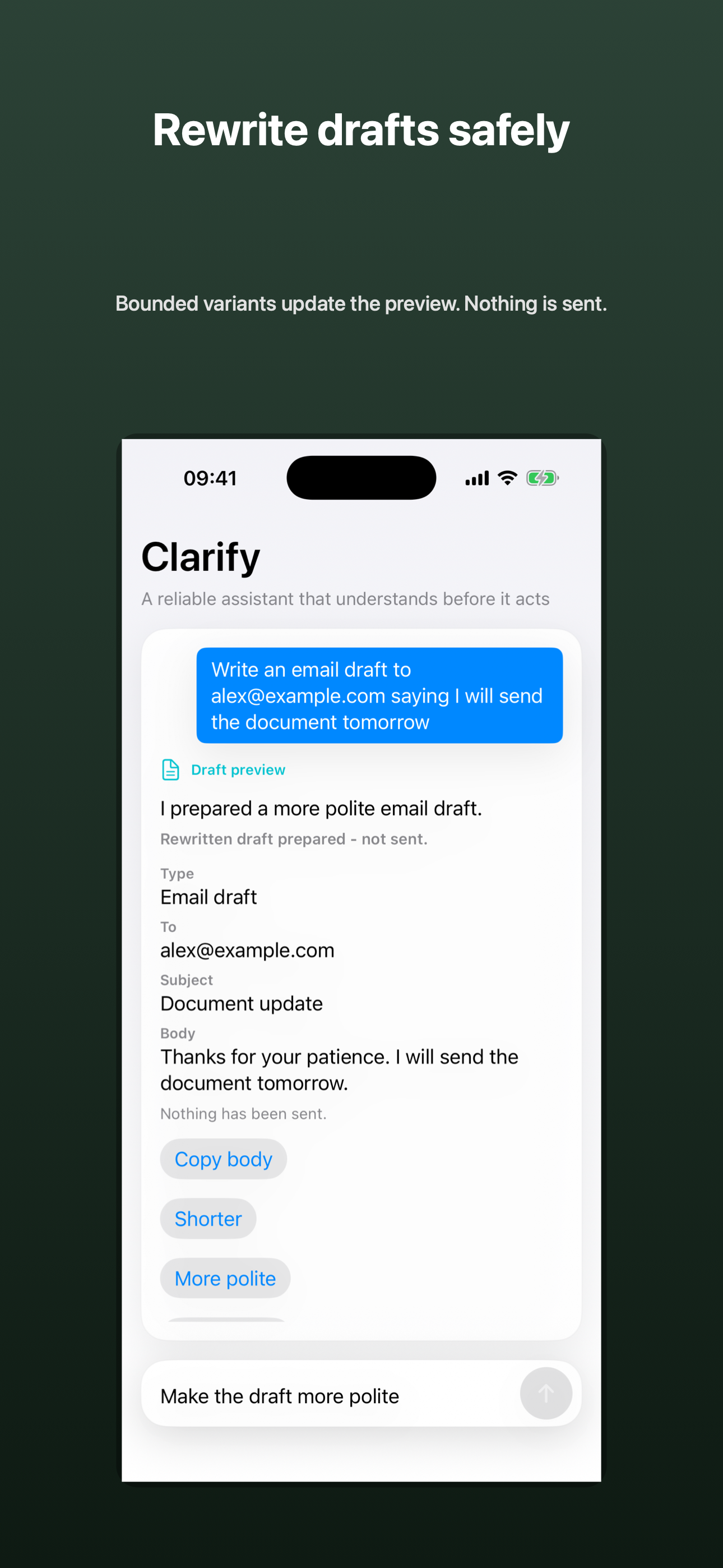 View full size
Offer bounded tone changes without turning the draft into a sending action.
Product concept
Natural-language convenience becomes trustworthy when interpretation and authorization remain distinct.
Deterministic product policy decides whether Clarify asks, confirms, requests access, prepares, acts, or stops.
Missing information and ambiguous names become explicit interface states rather than silent guesses.
The app creates supported reminders and confirmed events. Communication remains preview-only.
Architecture
Native services remain behind one runtime policy path, whether the request comes from the app or Shortcuts.
No app networking, cloud model, analytics, telemetry, database, or durable conversation store appears in the current source.
Completed reminders and events use Apple stores. Conversation, task, and draft state remain in memory.
Shortcut input cannot bypass the in-app validation, permission, confirmation, and execution rules.
Technology
Development
The native application and its bounded workflows are working and extensively tested. TestFlight status, final media approval, and physical-device accessibility acceptance remain unresolved.
Implemented
Release focus
Reconcile release configuration and documentation, complete the owner-controlled TestFlight path, finish physical-device VoiceOver and large Dynamic Type acceptance, and approve the public media set.
Clarify lab notes
Notes about the thinking, architecture, development, and decisions behind this work.
Clarification, permission, confirmation, draft, and result states turned internal safety policy into an interface a person could inspect.
A flexible interpretation layer became useful only after deterministic validation and policy could decide what was permitted next.
Early separation between interface, infrastructure, runtime, and services created the foundation for a testable bounded assistant.
Contact Burrito’s Labs
Questions, product feedback, or something worth exploring.