
Catch the fragment
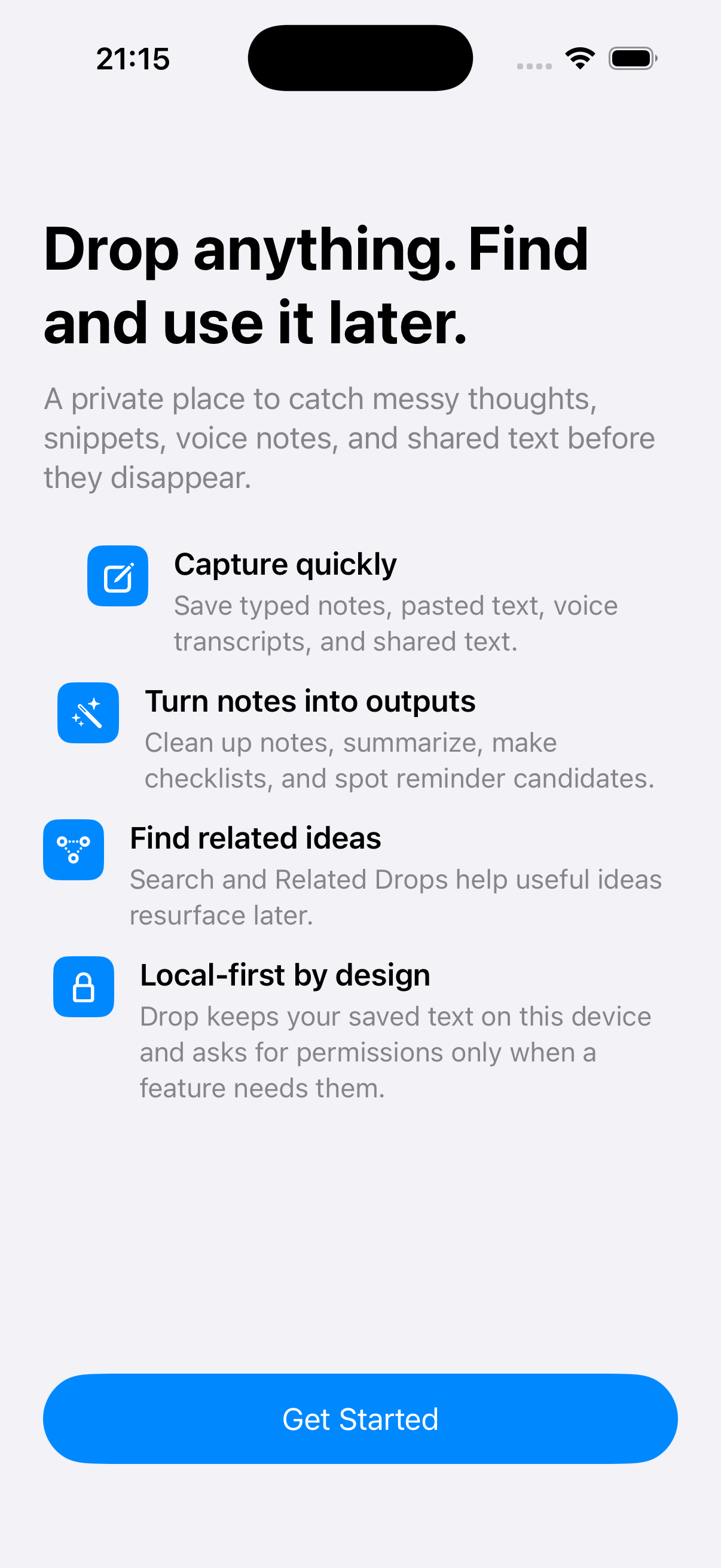
Type, paste, dictate, or share text and readable images without choosing a permanent structure first.

A local-first iPhone inbox that captures text, voice transcripts, and readable images, then turns them into saved notes, summaries, checklists, reminder candidates, and retrievable ideas.
What if capture did not require an immediate filing decision?
Typed, pasted, spoken, and shared input enters one local inbox. Deterministic transformations, search, related items, reminder review, export, and deletion make each fragment useful and controllable.
User value
Give unfinished thoughts, useful snippets, voice transcripts, and readable images one place to land before their purpose is clear.
Type, paste, dictate, or share text and readable images without choosing a permanent structure first.
Keep the original while saving a separate Clean Note, Summary, Checklist, or Reminder Candidate.
Search the source and saved outputs, surface related Drops, then archive, export, restore, or remove the material locally.
 View full size
Features
The current app connects capture, local persistence, transformation, retrieval, action, and data control.
Save typed or pasted text, record and transcribe a voice note through Apple speech services, or receive shared text from another iOS app.
Recognize text from a shared image with Apple Vision and retain a local original and thumbnail only when usable text is found.
Create Clean Note, Summary, Checklist, and Reminder Candidate outputs without replacing the captured source.
Confirm or correct supported date and time text before asking Drop to create an Apple Reminder.
Match active items across original text, recognized text, and saved outputs, with experimental local semantic suggestions ranked below direct matches.
Archive, restore, permanently delete, export, inspect local storage, maintain the semantic index, delete all data, or reset onboarding.
How it works
One Drop can move from unfinished input to several useful readings without losing its source.
Use the Capture tab, clipboard, voice flow, or iOS Share Extension to preserve the material quickly.
Create one local DropItem with its source and date. Readable images can also retain managed local preview files.
Clean the text, summarize it, extract a checklist, or create a reminder candidate through the default deterministic backend.
Inspect saved output and confirm or correct any supported reminder date before using Apple Reminders.
Search source and output text or use optional local embeddings to see conceptually related active Drops.
Archive, restore, export, permanently delete, or remove all local Drop data through explicit confirmed actions.
Current interface
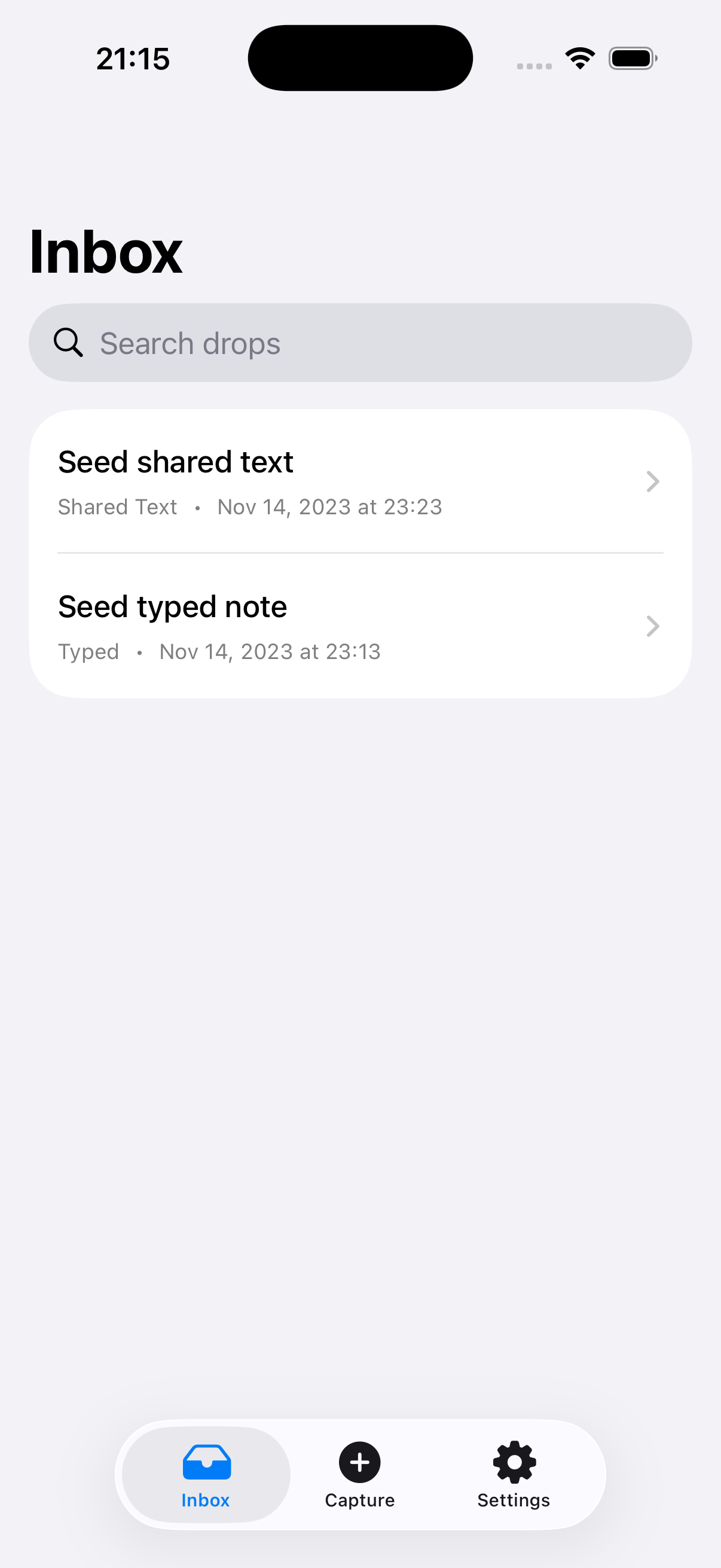
The current Inbox keeps search, source, capture date, and the three primary product areas visible without requiring folders at capture time.
 View full size
Direct search sits above two deterministic, non-personal development items with their capture source and date.
Product concept
A person should be able to preserve a passing fragment before deciding whether it belongs in a note, task, reminder, or longer system.
Speed matters when the thought is passing, so Drop begins with the input instead of a required destination or folder.
Each transformation remains a separate saved interpretation, allowing the original fragment to support another use later.
Search, related items, archive, export, and deletion determine whether quick capture becomes dependable personal memory.
Architecture
The SwiftUI app and UIKit extension share an App Group persistence boundary, while focused services own capture, transformation, retrieval, system handoff, export, and cleanup.
The app and extension write through the same App Group boundary without a project-owned server or account system.
SwiftData keeps references and metadata while managed files hold readable-image originals and thumbnails for explicit cleanup.
Heuristic transformations and direct keyword matching are the production defaults, with semantic-only matches ranked below factual text matches.
Apple Foundation Models support is conditional, malformed output is rejected, heuristics remain the resolver default, and real-device behavior is not yet validated.
Technology
Development
The native app, Share Extension, capture paths, transformations, search, related items, reminder review, archive, export, media cleanup, and local data controls are implemented and broadly test-backed. Signing, final hardware validation, system integration checks, accessibility, appearance, and optional local-model hardening remain incomplete.
Implemented
Before release
Resolve signing and provisioning, run the signed-device smoke matrix, repeat readable-image sharing, export, reminder, VoiceOver, Dynamic Type, light mode, and dark mode checks on hardware, then harden validation, fallback, user-facing status, performance, privacy copy, and stability for any optional Foundation Models path.
Drop lab notes
Notes about the thinking, architecture, development, and decisions behind this work.
Explicit date review and a model-agnostic backend boundary protected dependable behavior while optional local intelligence remained gated.
Managed image files, archive recovery, export, storage summaries, and deletion controls made local-first behavior inspectable.
Direct search, local embeddings, and Related Drops began bringing useful material back without obscuring why it matched.
A common local DropItem let typed, pasted, spoken, and shared input enter one capture-to-inbox loop.
Contact Burrito’s Labs
Questions, product feedback, or something worth exploring.