
Capture naturally
Write directly on Notes with Apple Pencil. Use touch to move Notes and navigate.
Handwritten notes you can move, structure, connect, and find again on iPad.
Capture ideas in ink. Organize them without flattening them.
Write with Apple Pencil. Move with touch. Use Areas, Groups, Viewpoints, Portals, and local search to turn loose Notes into a navigable workspace.
User value
Capture quickly. Organize visually. Return to the right context.
Write directly on Notes with Apple Pencil. Use touch to move Notes and navigate.
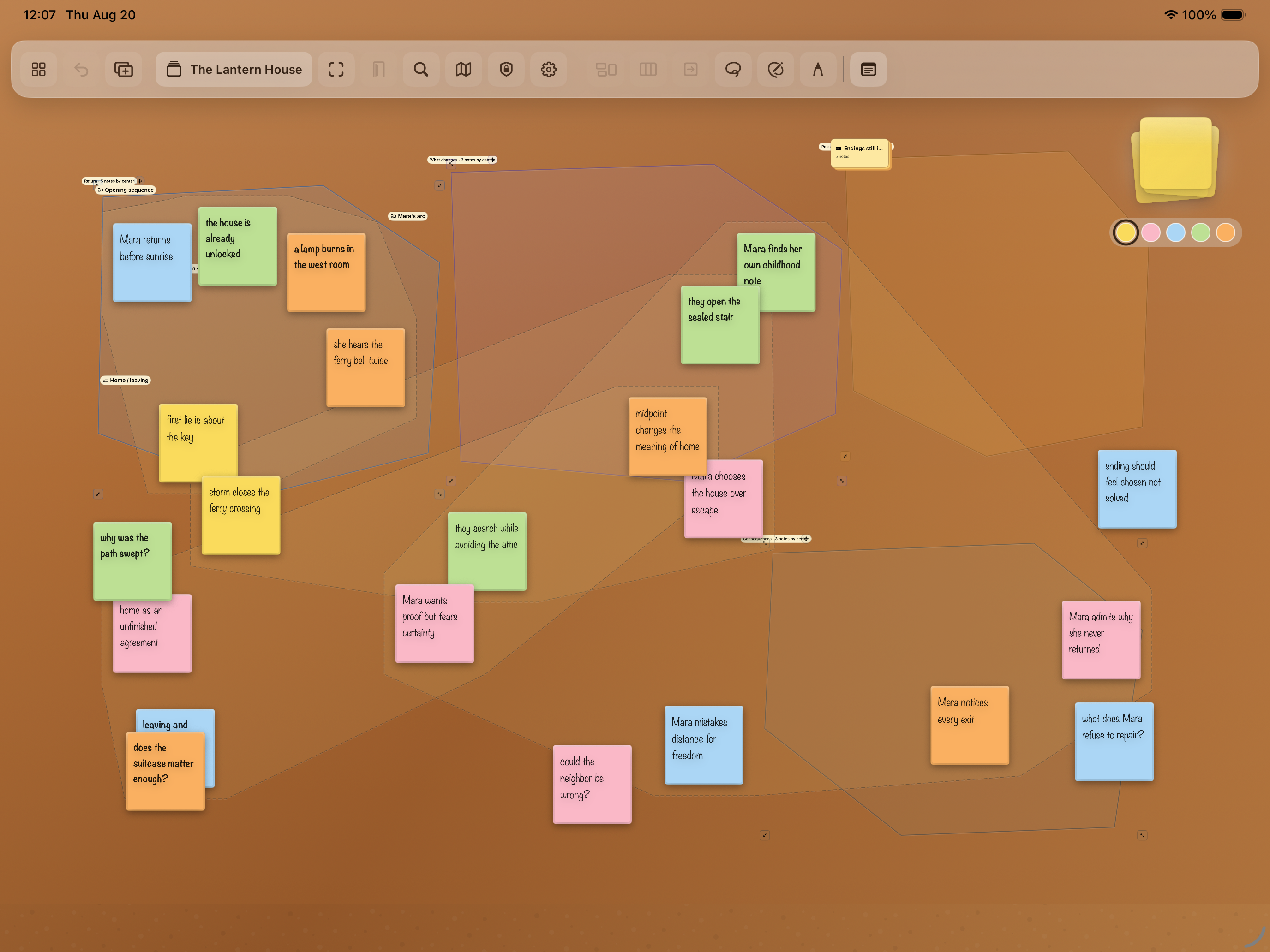
Keep Notes loose, group them by position, or preserve a fixed relationship.
Search recognized handwriting locally and return to the matching place on the Board.
 View full size
Features
Six tools turn handwriting into a durable workspace.
Write with Apple Pencil. Move and navigate with touch.
Create separate workspaces. Move or copy Notes between them.
Use Areas for spatial membership and Groups for fixed relationships.
Save useful views and connect related Boards visibly.
Find recognized handwriting and named structures across Boards.
Work offline with atomic saves, backup recovery, and Recently Deleted Boards.
Workflow
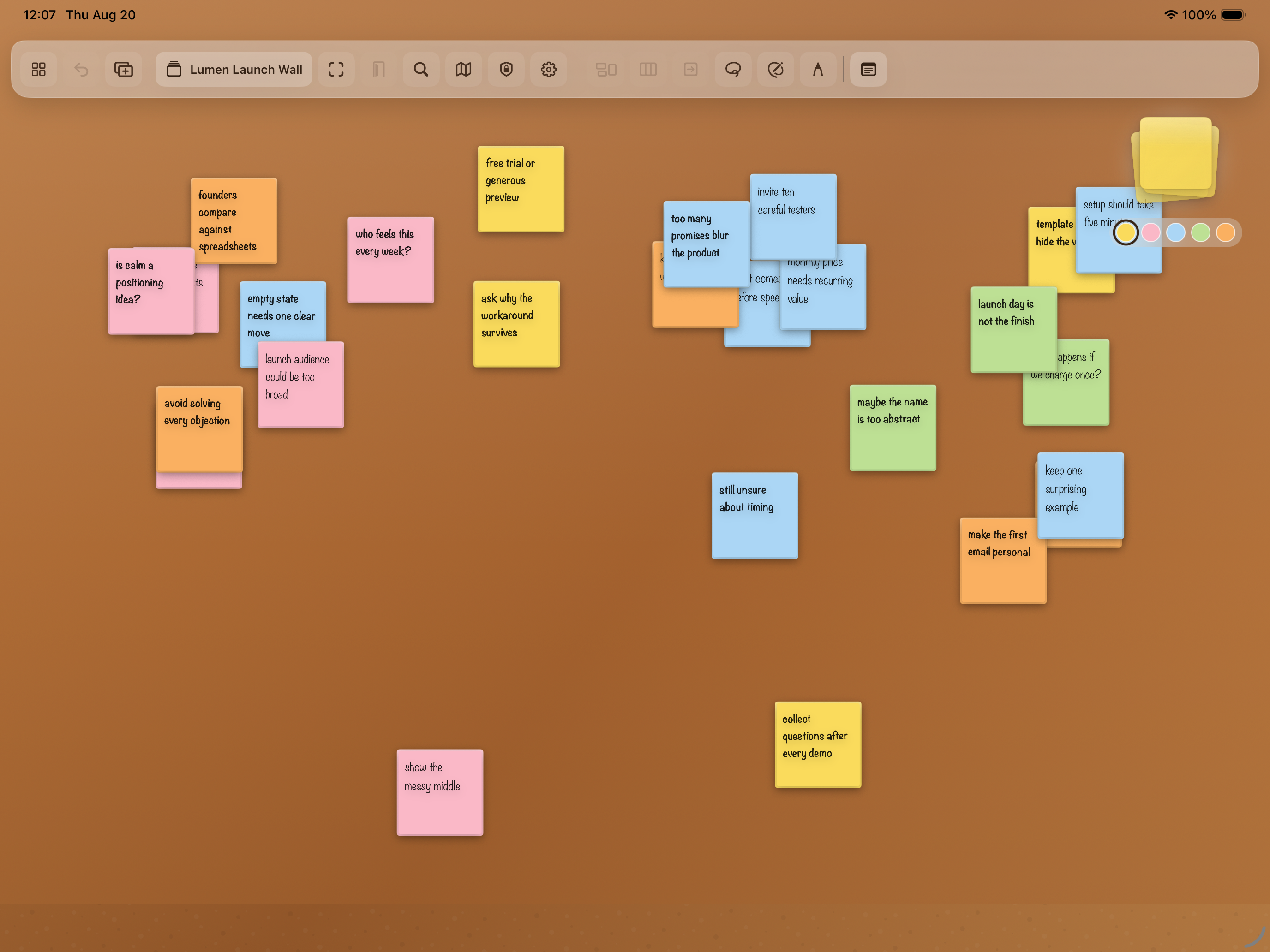
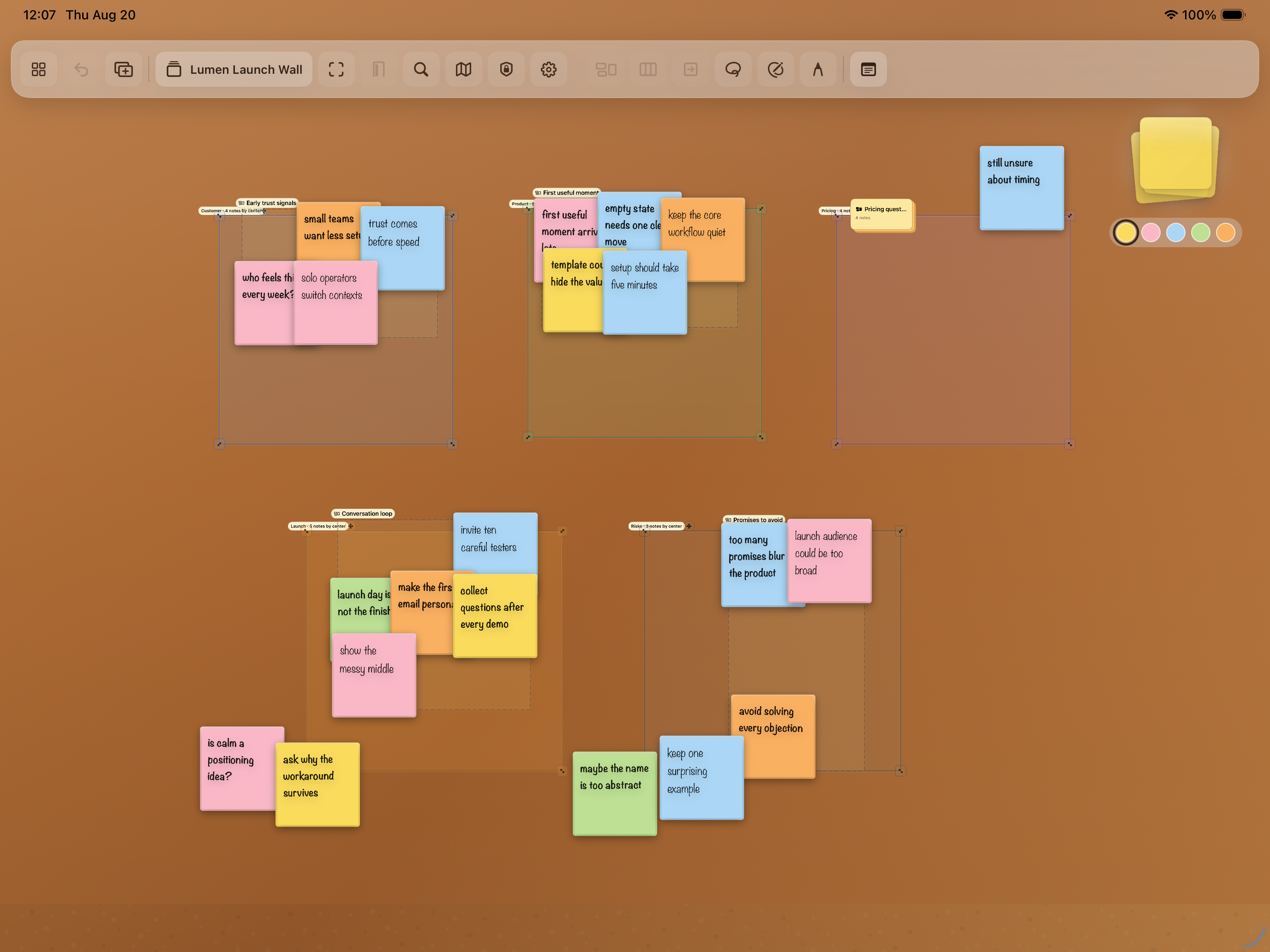
Start messy. Add only the structure that helps.
 View full size
 View full size
In practice
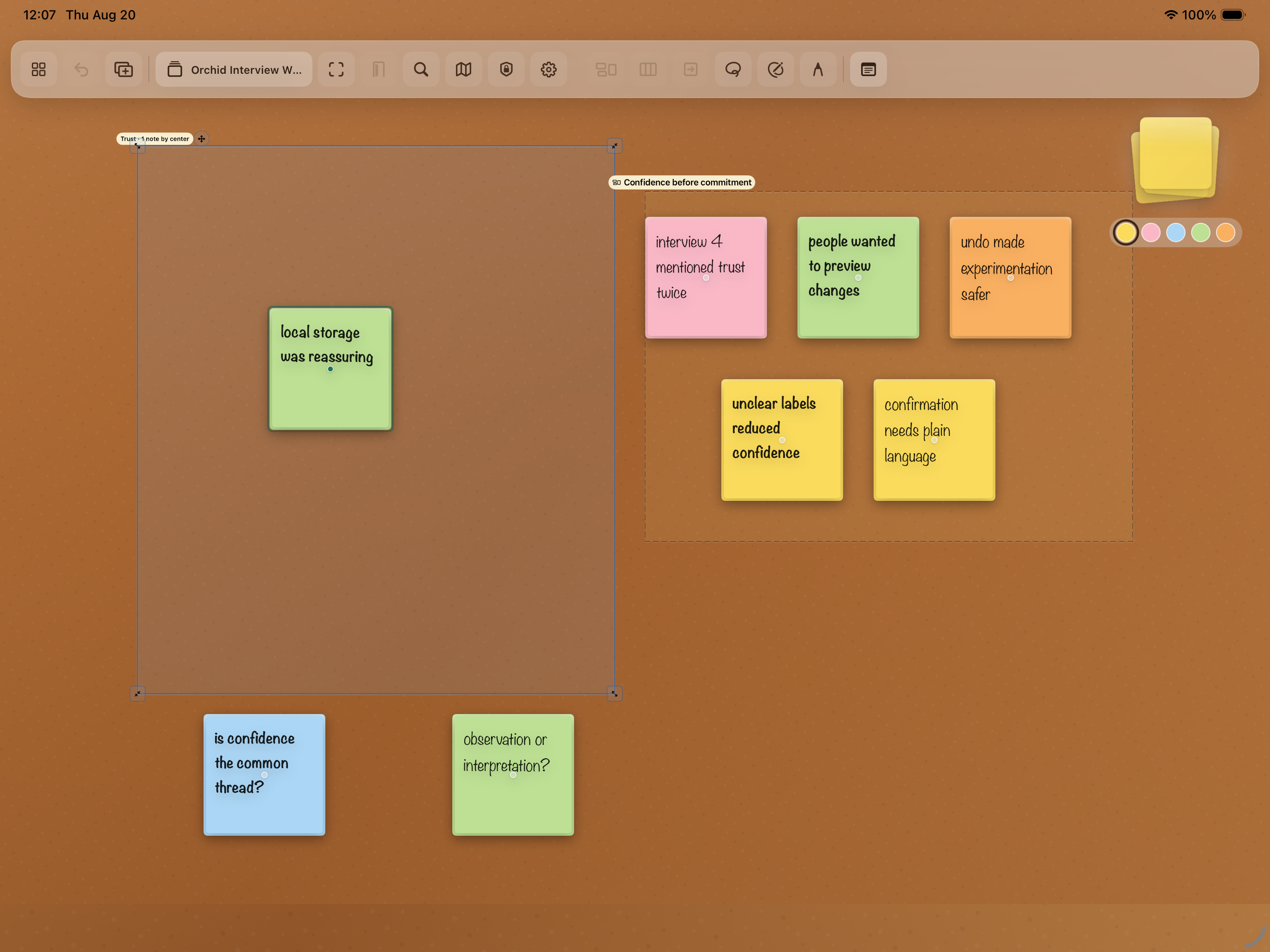 View full size
Position controls an Area. Intention controls a Group.
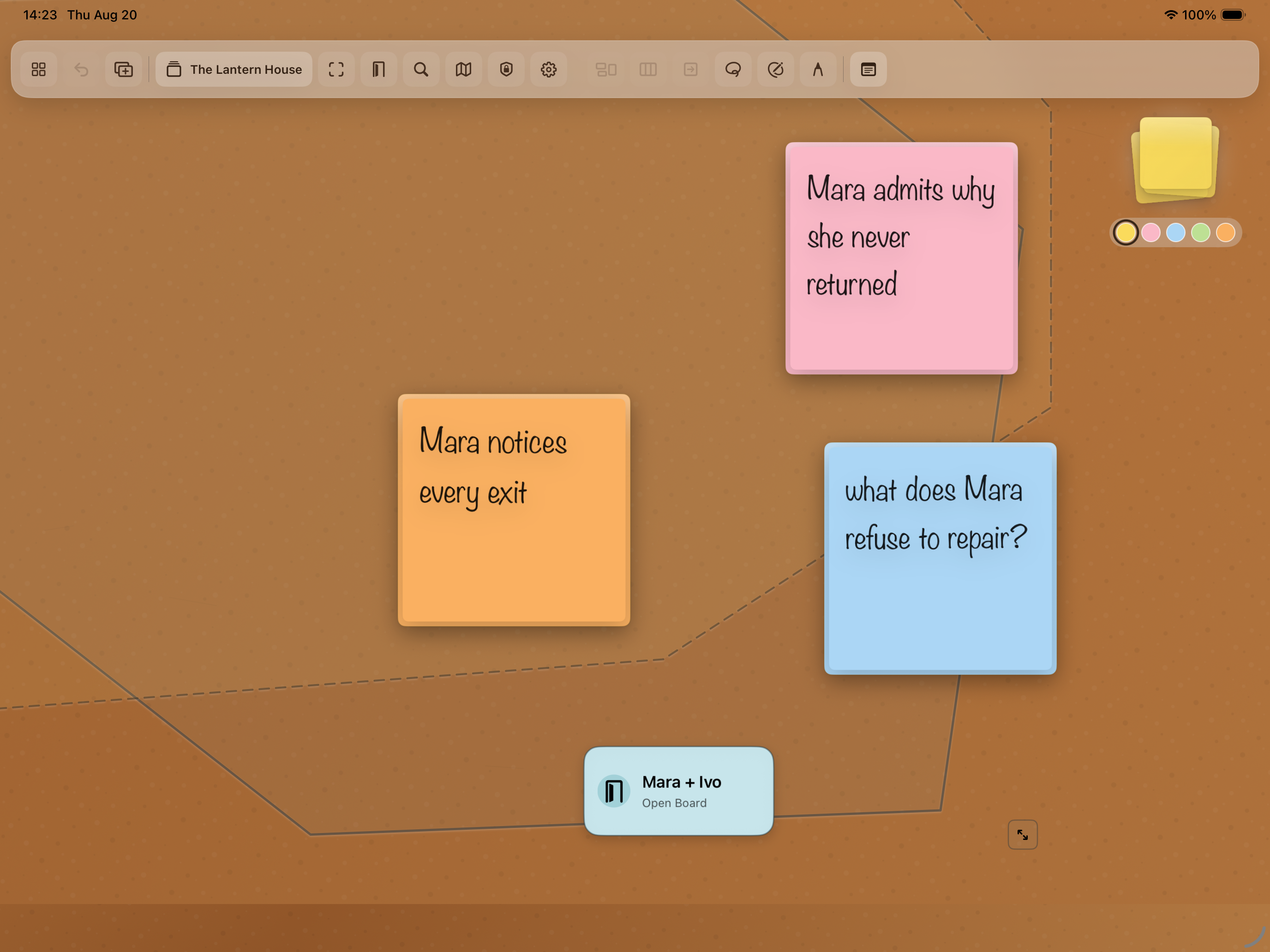 View full size
A Portal keeps the next Board visible and one action away.
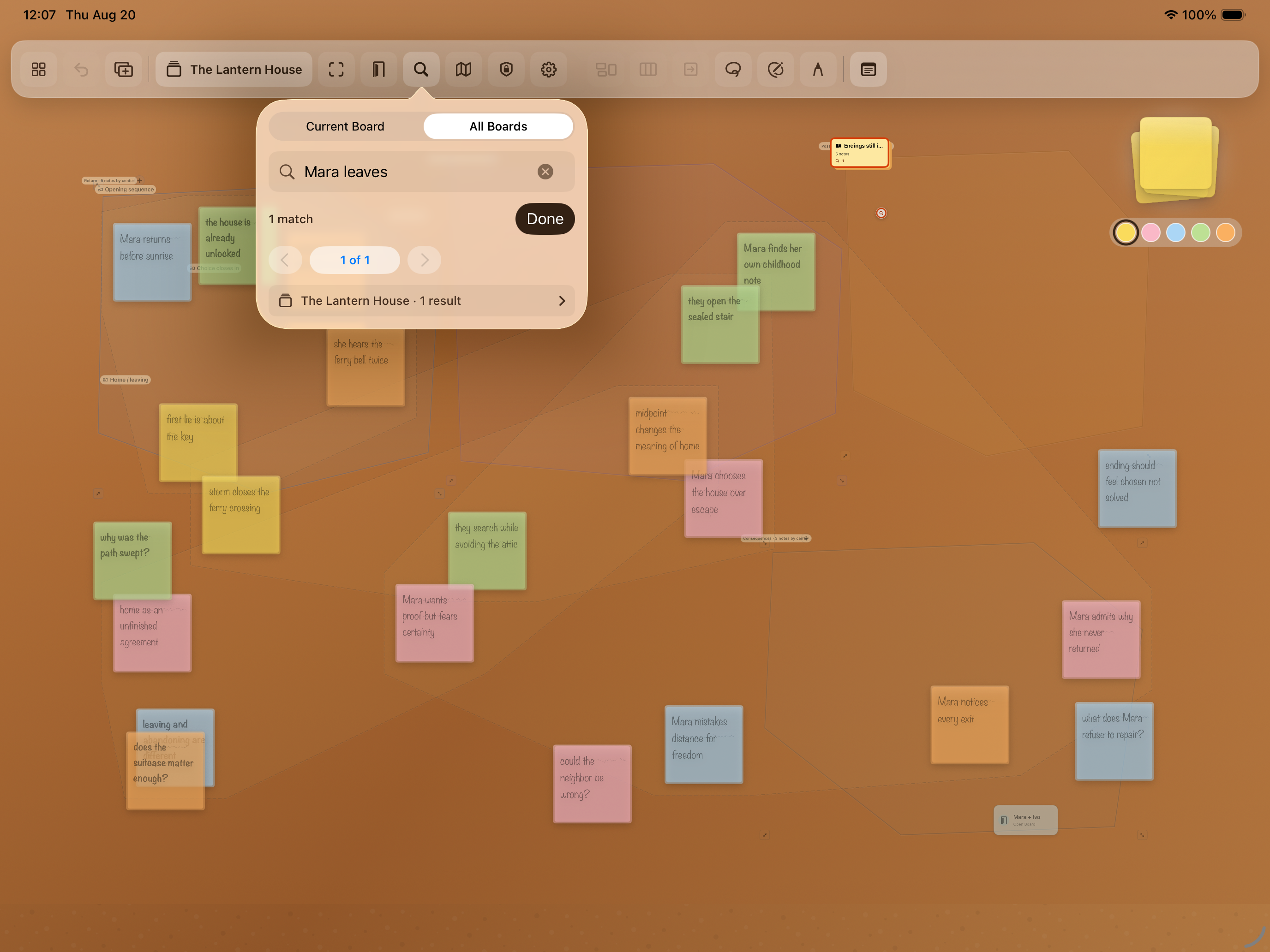 View full size
A result returns to its Board and spatial location.
Product demos
Product concept
The canvas distinguishes three kinds of relationship.
Select Notes for the next action.
Membership changes when a Note crosses the boundary.
Membership stays fixed until the user changes it.
Architecture
One validated workspace session owns live state. Storage and recognition remain on the iPad.
Core workflows stay available offline.
State is checked before it becomes visible or persistent.
Vision recognizes text locally. Search returns spatial targets.
Technology
Development
StickSpace 1.0 is a release candidate. Physical-device and distribution checks remain.
Implemented
Next release work
Complete iPad, Apple Pencil, handwriting, accessibility, signing, and store qualification.
StickSpace lab notes
Notes about the thinking, architecture, development, and decisions behind this work.
Infrastructure research can prepare for continuity without changing the current product promise that ordinary use remains local-only.
Deterministic scenario worlds made whole thinking workflows reviewable without pretending they were evidence of external adoption.
Retrieval should bring a person back to the place where a thought sits among other thoughts.
Temporary selection, spatial membership, and deliberate relationships may look similar on a canvas, but they should not behave the same way.
The first product decision made a handwritten Note both the content and the durable object around which the workspace would grow.
Contact Burrito’s Labs
Questions, product feedback, or something worth exploring.