
Start without filing
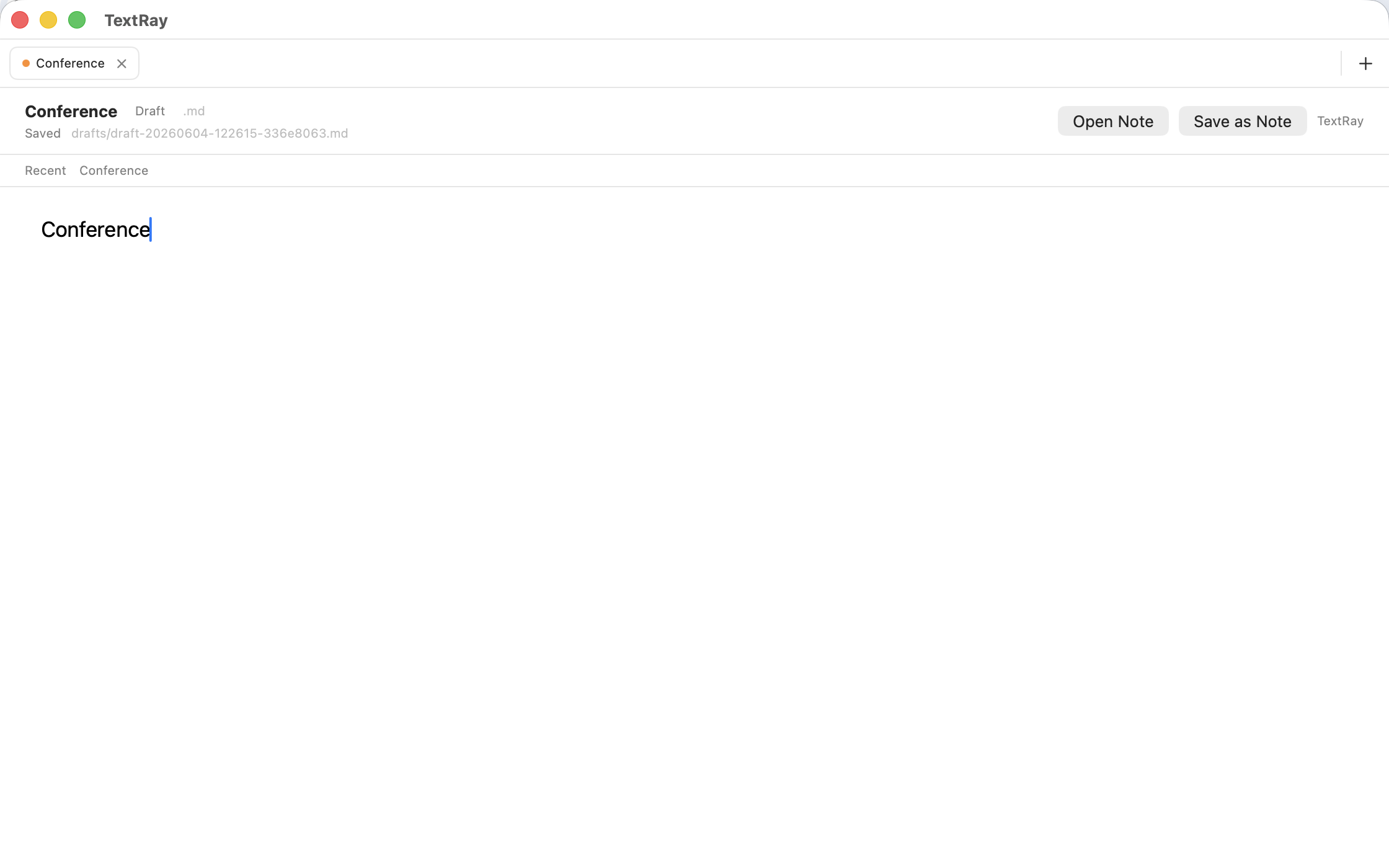
Typing meaningful text creates a local draft. Promote it to a collision-safe Markdown note when it is ready.
A local-first Mac workspace for capturing unfinished text, keeping several writing contexts open, and finding exact material again.
What if unfinished writing stayed quick to capture and easy to find?
Ordinary text files remain the source of truth. Persistent tabs, deterministic search, and live saved queries add a focused workspace without accounts, cloud services, or semantic guessing.
User value
Write notes, drafts, chapters, snippets, and research fragments before deciding their final name or place.
Typing meaningful text creates a local draft. Promote it to a collision-safe Markdown note when it is ready.
Persistent tabs, recents, and workspace restoration preserve the texts you are actively using.
Search exact text, punctuation variants, and small typos through ranked rules that remain visible and predictable.
 View full size
Features
TextRay adds speed, context, and retrieval while keeping durable content separate from workspace metadata.
Create no file for an empty launch state, then autosave meaningful text as a local UTF-8 Markdown draft.
Keep blank tabs, drafts, and notes open, return to recent documents, and restore the workspace after relaunch.
Use one palette for tabs, notes, recents, actions, global results, and saved Views.
Rank exact matches first, punctuation-normalized matches second, and optional bounded typo matches third.
Save a useful query and rerun it against current files without moving notes into a new container.
Rename, duplicate, reveal, import, export a folder backup, rebuild metadata, and use confirmed local-trash actions.
How it works
The workflow delays filing decisions while keeping every durable document inspectable on the Mac.
Type the thought before choosing a permanent filename or folder.
Meaningful text becomes an ordinary Markdown draft with a title derived from its first meaningful line.
Open more tabs, return through recents, and restore the same writing context after relaunch.
Use the palette to find a literal phrase, a punctuation variant, or an optional small typo.
Turn a useful query into a View that stays current as local files change.
In practice
 View full size
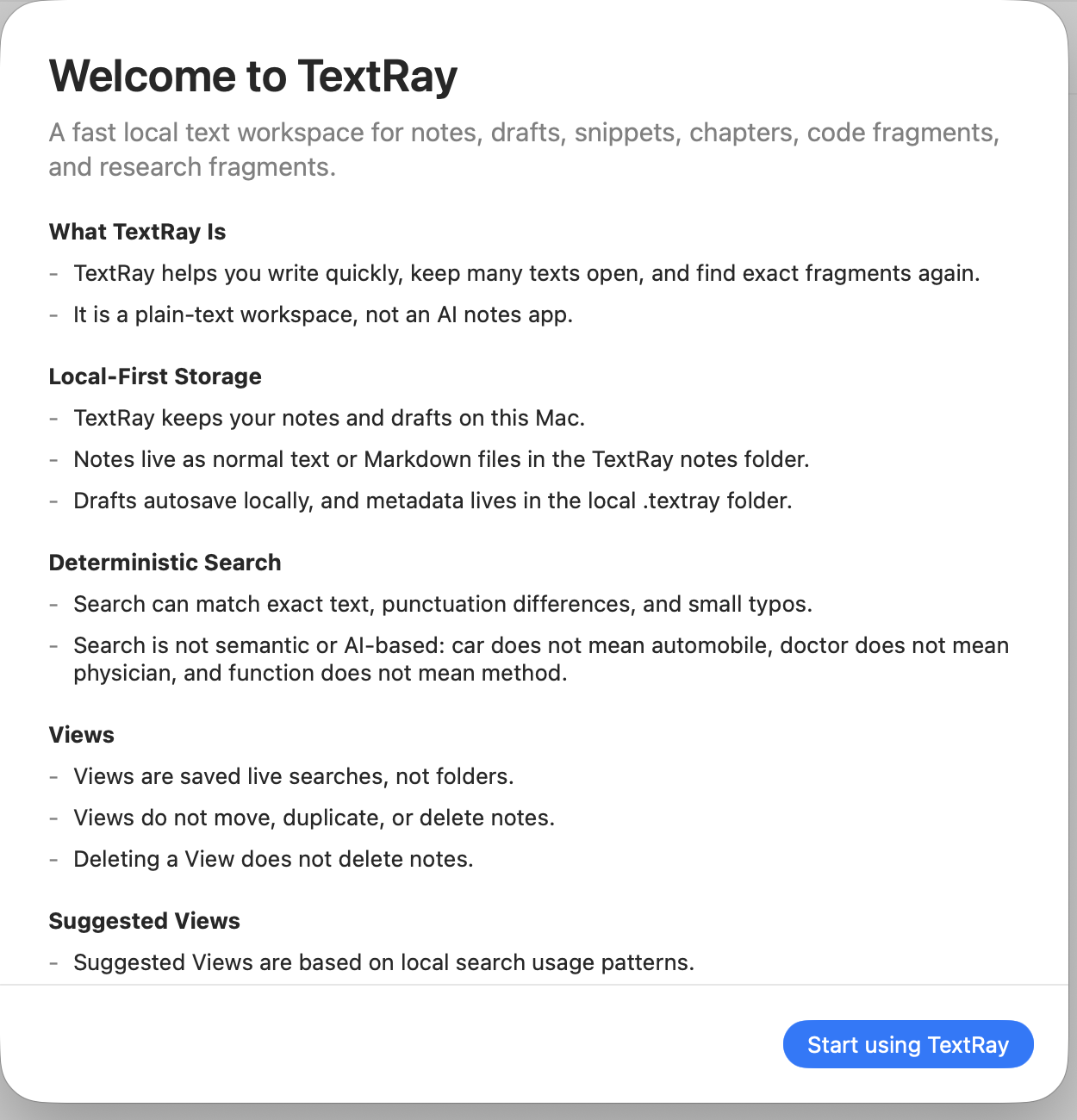
Onboarding introduces ordinary files, deterministic search, Views, and local-only behavior before writing begins.
 View full size
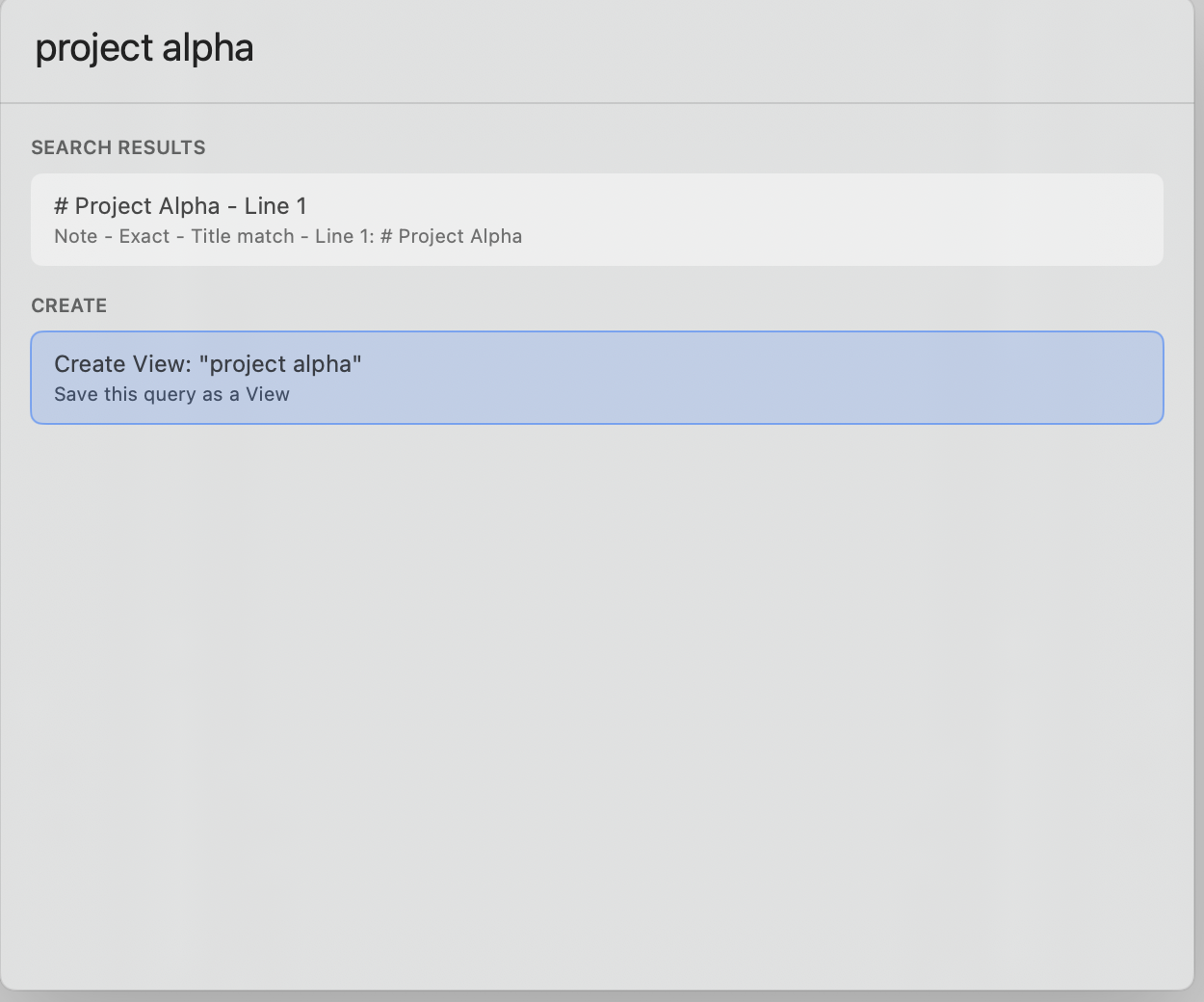
A palette result shows why it matched and offers to save the current query as a live View.
 View full size
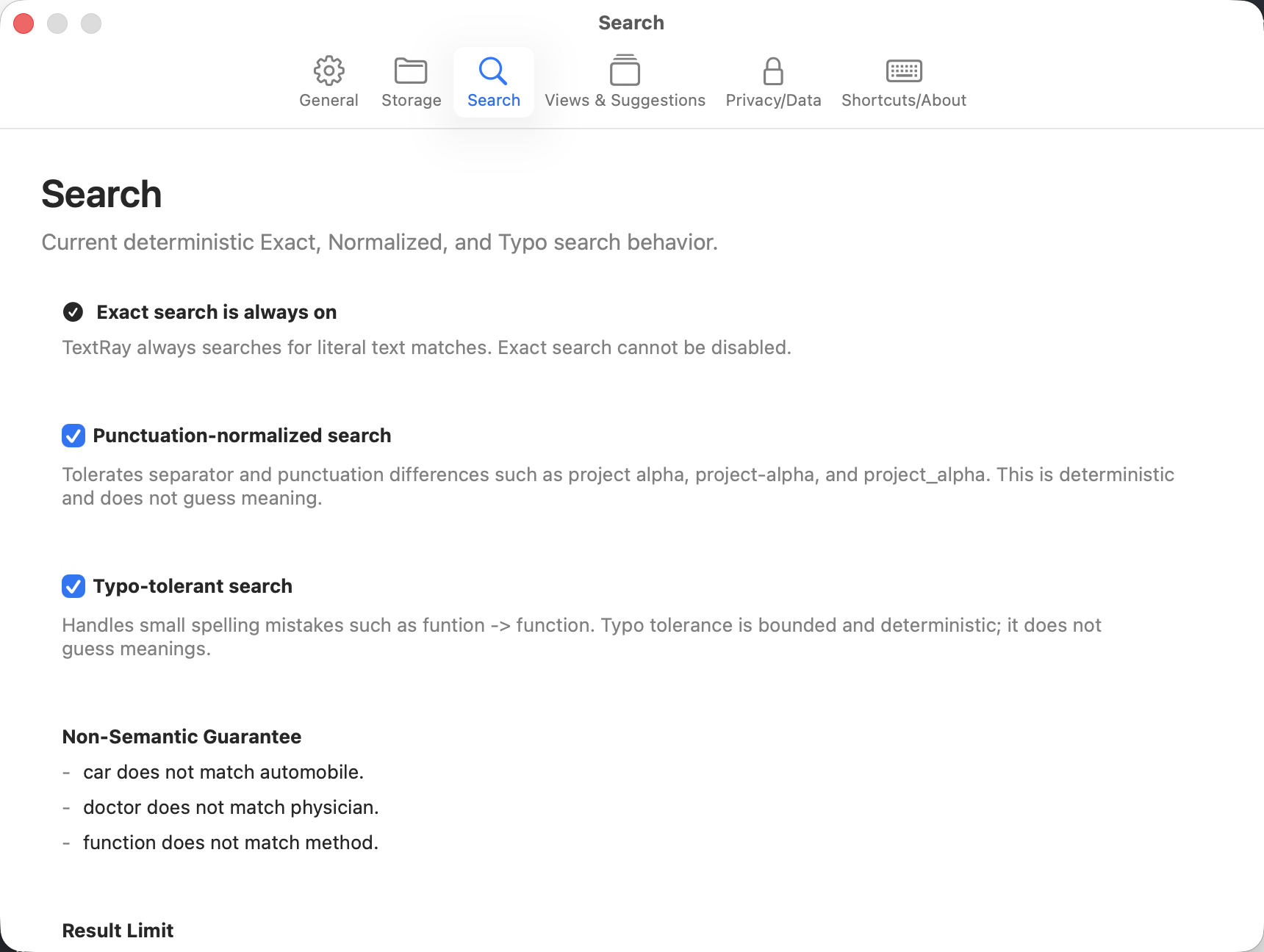
Settings separate always-on exact search from optional punctuation normalization and typo tolerance.
Current private alpha
The current interface documents what remains local and what the private-alpha build does and does not claim.
 View full size
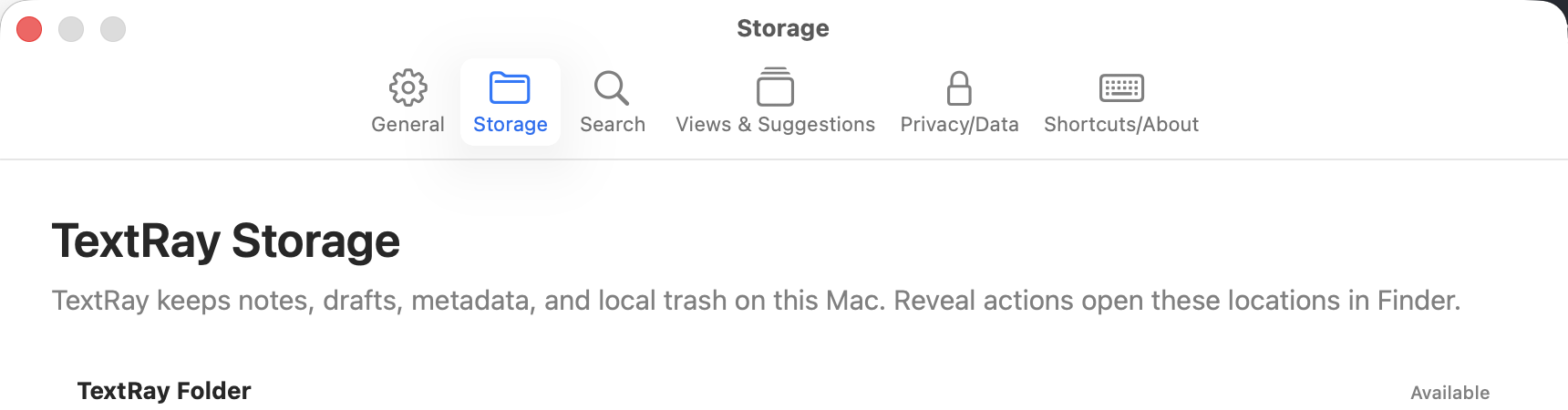
Settings identify the local notes, drafts, metadata, and trash locations without hiding them behind an account.
 View full size
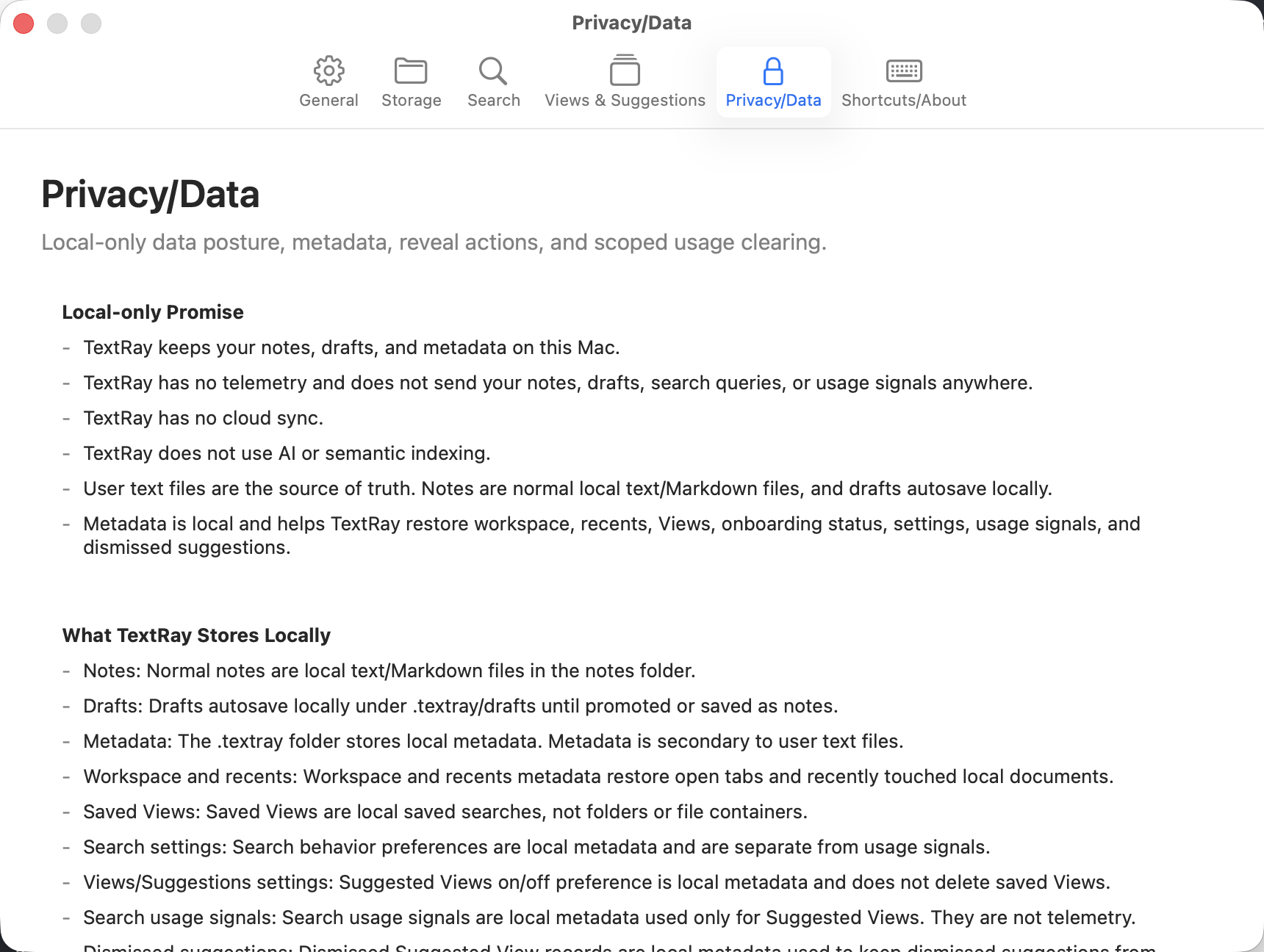
Privacy settings distinguish ordinary text files from secondary workspace and usage metadata.
 View full size
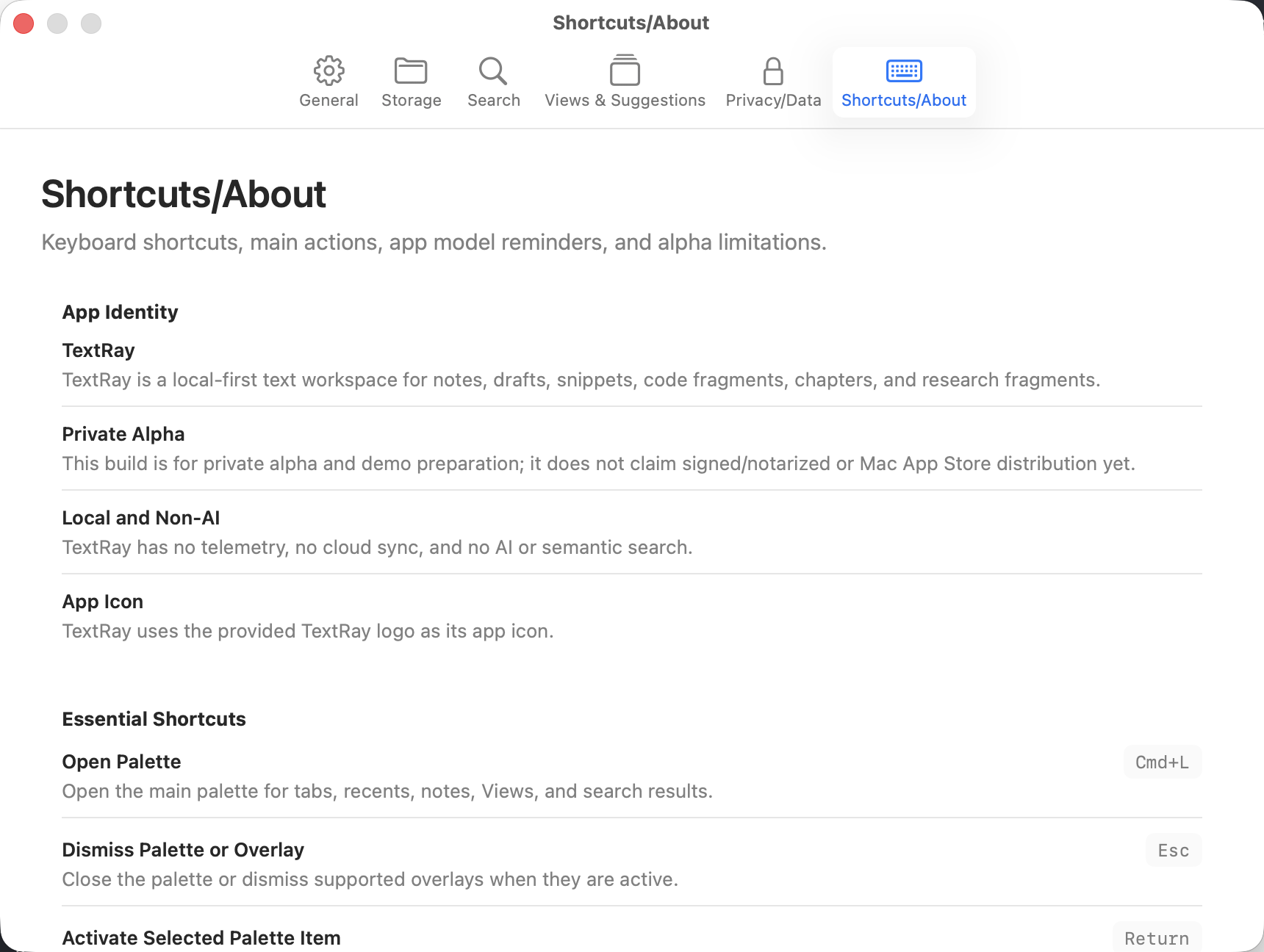
Help collects keyboard actions and labels the build as a private alpha rather than a public product.
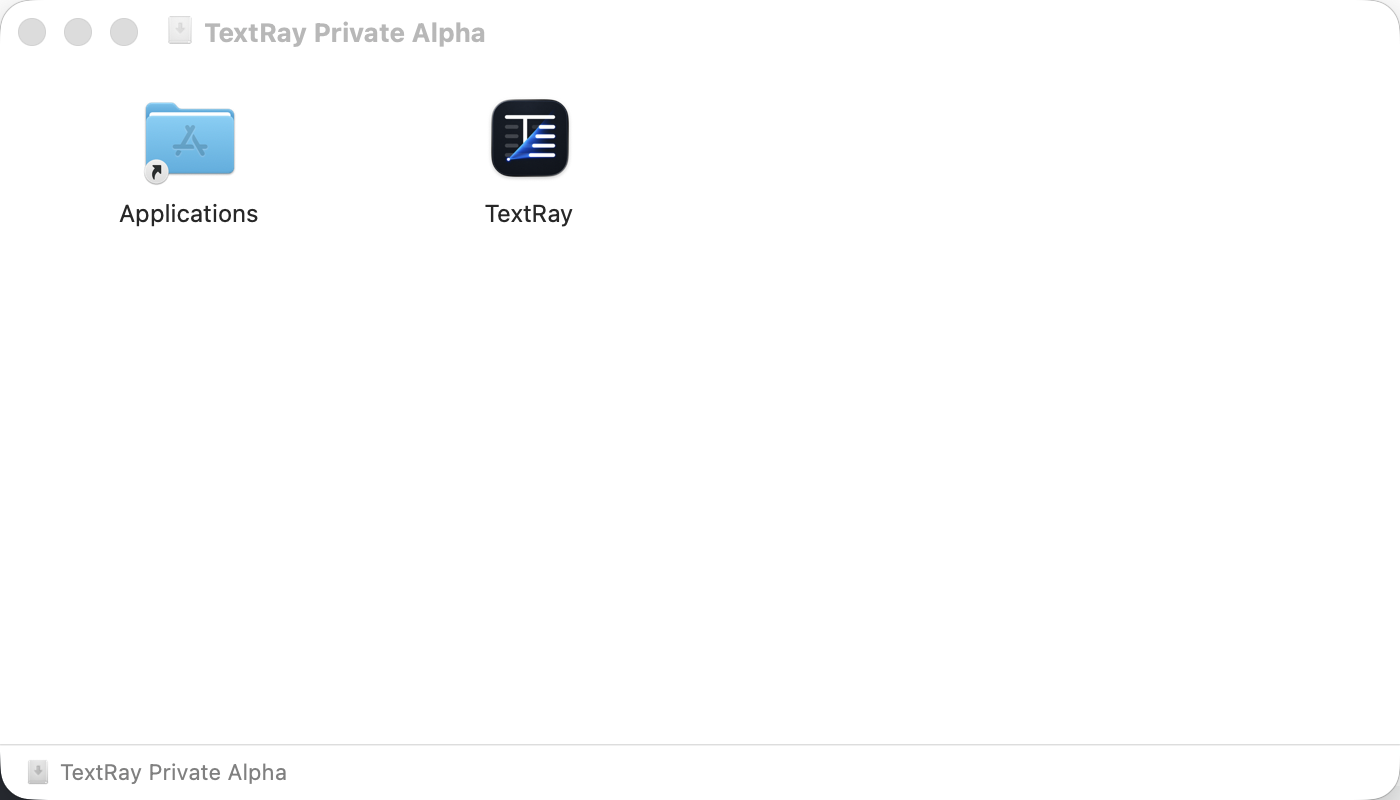 View full size
The mounted DMG records development progress. It is not a public download or release claim.
Product concept
TextRay places a recoverable workspace around local text instead of replacing it with an opaque content store.
A thought can become a local draft before the person knows its permanent name or location.
Search tolerates mechanical variation while avoiding semantic expansion or remote interpretation.
Tabs, recents, and Views help navigate files without becoming the containers that own their content.
Architecture
SwiftUI and AppKit present the interface while focused services coordinate files, workspace state, search, Views, recovery, and packaging on the Mac.
Notes and drafts are ordinary files. Tabs, recents, Views, settings, and suggestions use reconstructable local JSON metadata.
Executed queries read a local in-memory corpus instead of relying on a hidden persistent index.
Writing, search, Views, and suggestions use no account, cloud, telemetry, third-party runtime package, or AI provider.
Atomic writes reduce partial-write risk, but recent audits identify unresolved pending-save, external-edit, termination, and multi-window defects.
Technology
Development
The writing, retrieval, workspace, settings, recovery-service, and packaging foundations are implemented. Verified durability defects and incomplete product qualification remain release blockers.
Implemented in the current alpha
Before public use
Resolve and regression-test pending-save, close, rename, delete, termination, external-edit, and multi-window durability defects. Then add visible search-result navigation, application-level UI and accessibility qualification, supported recovery, notarization, packaged-artifact verification, and public support and privacy operations.
TextRay lab notes
Notes about the thinking, architecture, development, and decisions behind this work.
Onboarding, transparent settings, help, release configuration, and DMG packaging made the implemented boundaries inspectable.
Atomic writes, conflict states, imports, backups, and local trash made the consequences of ordinary-file storage explicit.
Retrieval became more forgiving through explicit rules without becoming opaque or semantic.
The first implementation let writing begin before a permanent filename was known while still producing an ordinary local file.
Contact Burrito’s Labs
Questions, product feedback, or something worth exploring.